Tauri transparent 仍會創建白色背景 解法
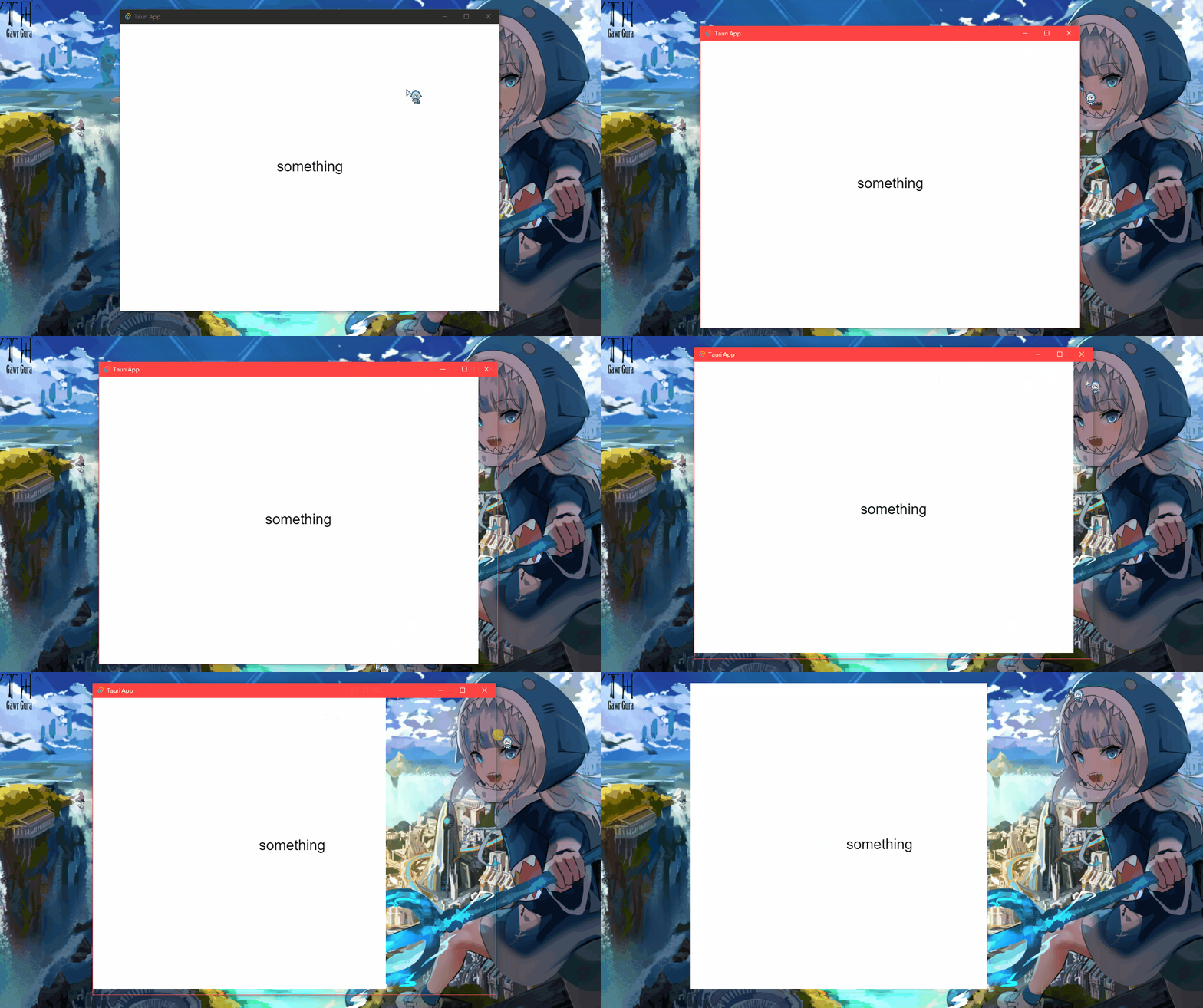
概要
1
2
3
4
5
6
7
8
9
10
| "windows": [
{
"fullscreen": false,
"height": 600,
"resizable": true,
"title": "Tauri App",
"width": 800,
"transparent": true
}
]
|
路徑 tauri.conf.json > tauri.windows.transparent
預期 “transparent”: true 時,背景應為透明。
解法
1
2
3
4
5
6
7
8
9
10
11
| "windows": [
{
"fullscreen": false,
"height": 600,
"resizable": true,
"title": "Tauri App",
"width": 800,
"transparent": true,
"decorations": false
}
]
|
路徑 tauri.conf.json > tauri.windows.decorations
添加 "decorations": false
並使用 API 調整回來
(下面兩者擇一使用)
1
2
3
4
|
import { appWindow } from "@tauri-apps/api/window";
appWindow.setDecorations(false);
|
1
2
3
4
5
6
7
8
9
10
11
|
fn main() {
tauri::Builder::default()
.setup(|app| {
let window = app.get_window("main").unwrap();
window.set_decorations(false)?;
Ok(())
})
.run(tauri::generate_context!())
.expect("error while running tauri application");
}
|
參考連結
https://github.com/tauri-apps/tao/issues/72
Window in tauri::window - Rust (docs.rs)
window | Tauri Apps
封面來源
Summer Gura